College advisor
How the college advisor works
The college advisor helps you build a balanced college list from your own grades, scores, home state and budget.
It sorts colleges into reach, target and likely. Those bands are planning labels, not predictions, and each one comes with its reason and where the numbers came from.
Ask it what fits, what is due next or how two colleges compare, and most answers come back instantly from the same engine that builds your list.
Watch the tour
The steps, in words
- Start here asks four things: your year, a real test score, your home state and how you will pay for college.
- Build my list shows the colleges suggested for you in reach, target and likely bands, each with its reason.
- In the advisor, Find colleges that fit asks three quick taps: what matters most, a yearly cost ceiling and where.
- The answer lists picks by band with a one-line reason, your next steps and questions to talk through with a parent.
- Ask whether you will get in and the advisor gives the band and why, never a percentage.
- Ask for in-state colleges under a yearly cost and both limits apply.
- Compare puts two colleges side by side: band, estimated yearly cost and the reason.
- What's due next lists the deadlines for the colleges on your list.
- On Basic, an open question gets the nearest instant answer; written answers are part of Premium.
- On Premium, the what-if shows which saved colleges a higher score would move to another band.
- On the free glance, the advisor shows the best match in each band and says what Basic adds.
What each plan includes
The family's plan applies: a plan on the student's account or on a linked parent's opens the same college features.
| Feature | Free glance | Basic | Premium |
|---|---|---|---|
| Start here: your year, score, home state and how you will pay | Included | Included | Included |
| Browse every college | Included | Included | Included |
| This guide | Included | Included | Included |
| Every college suggested for you, by band | Preview: the best match in each band | Included | Included |
| Saving colleges: My list, compare and balance | Not included | Included | Included |
| The Apply tab: applications, deadlines and cost | Not included | Included | Included |
| Every instant advisor answer | Find colleges that fit: the best match in each band | Included | Included |
| A linked parent's Colleges page | Not included | Included | Included |
| Written answers to open questions | Not included | Not included | Included |
| Plain-words explanations of a college | Not included | Not included | Included |
| What a higher score changes | Not included | Not included | Included |
| Deadline reminder notifications and emails | Not included | Not included | Included |
| Calendar export of your deadlines | Not included | Not included | Included |
Screen by screen
Each screen says which plan it was taken on. The students and colleges are fictional.
Colleges sorted into bands
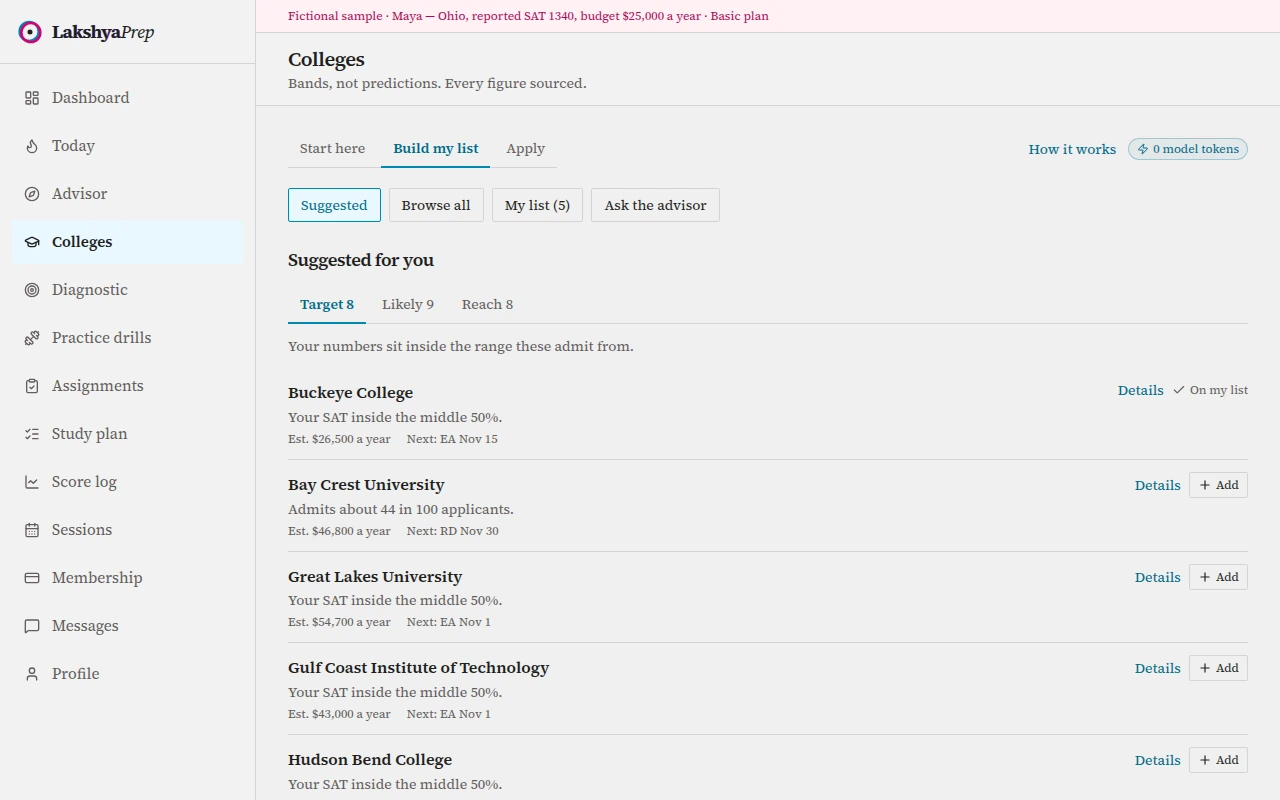
Shown on BasicSuggested colleges sit in reach, target and likely bands, each card with the reason behind its band. Three taps to start
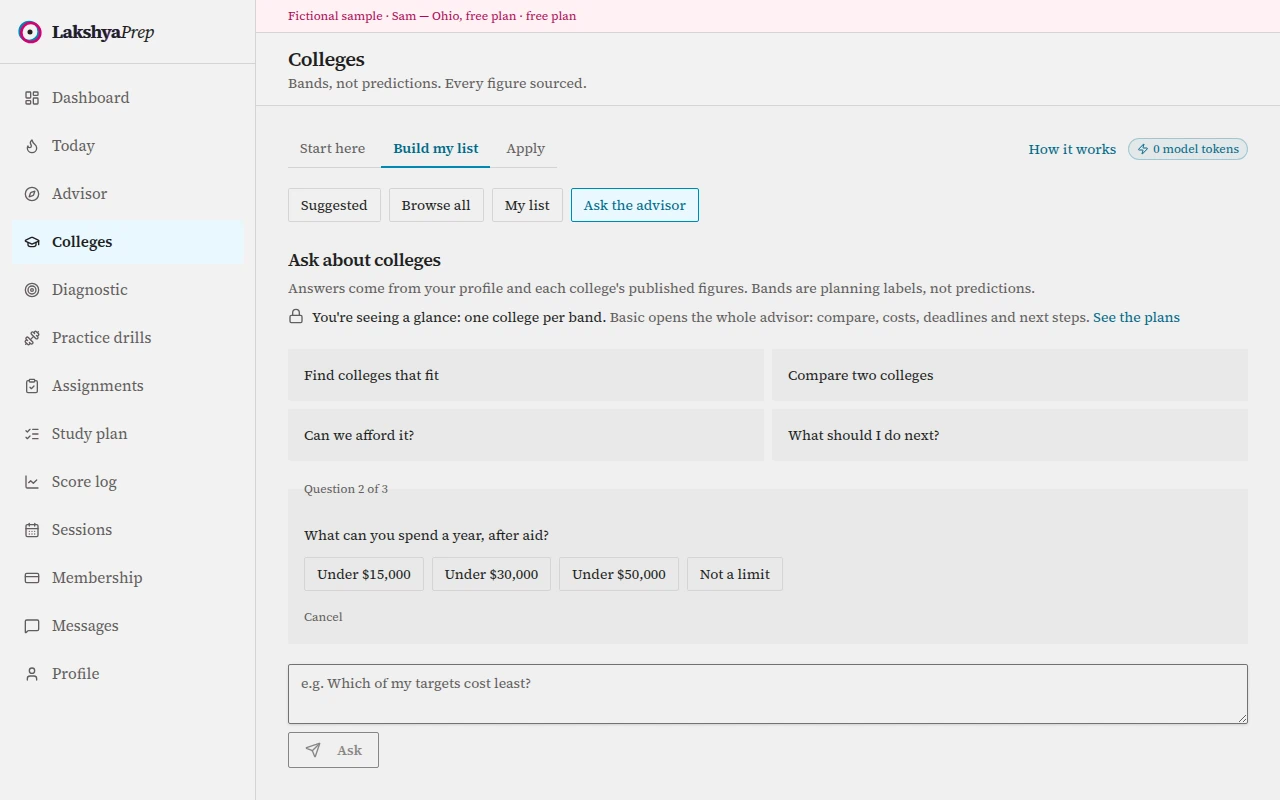
Shown on Free glanceFind colleges that fit asks what matters most, a yearly cost ceiling and where you want to study. Picks with a reason
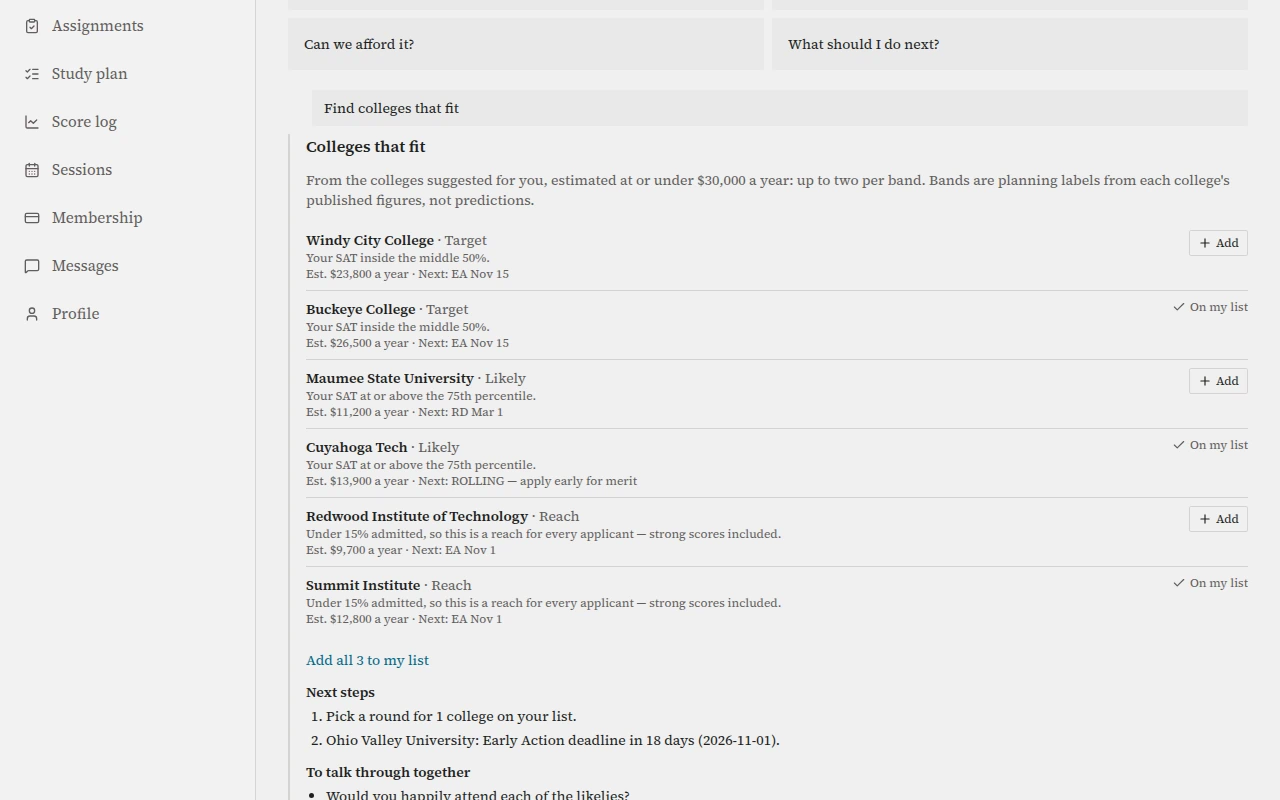
Shown on BasicThe answer gives picks by band with a one-line reason, the next steps and questions to talk through together. Bands, never a percentage
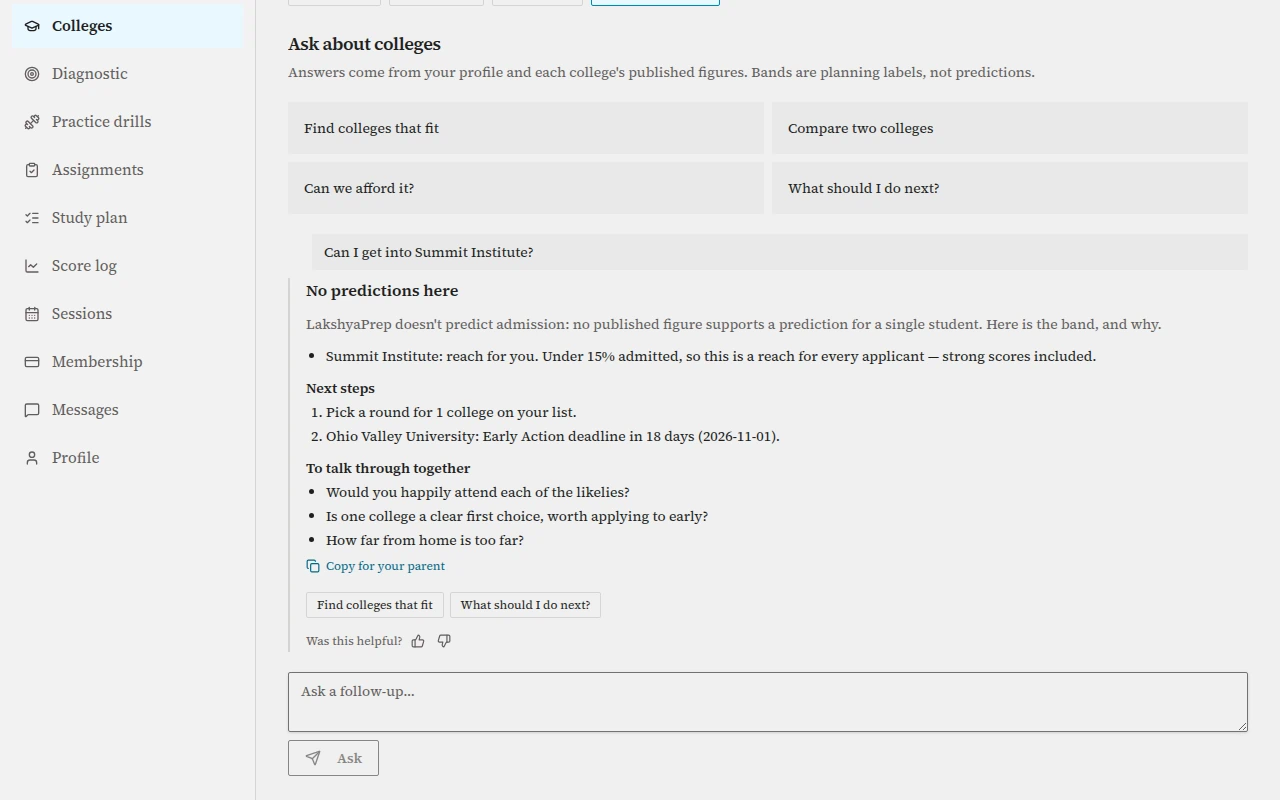
Shown on BasicAsk whether you will get in and the advisor shows the band and its reasons instead of guessing a number. In-state and within budget
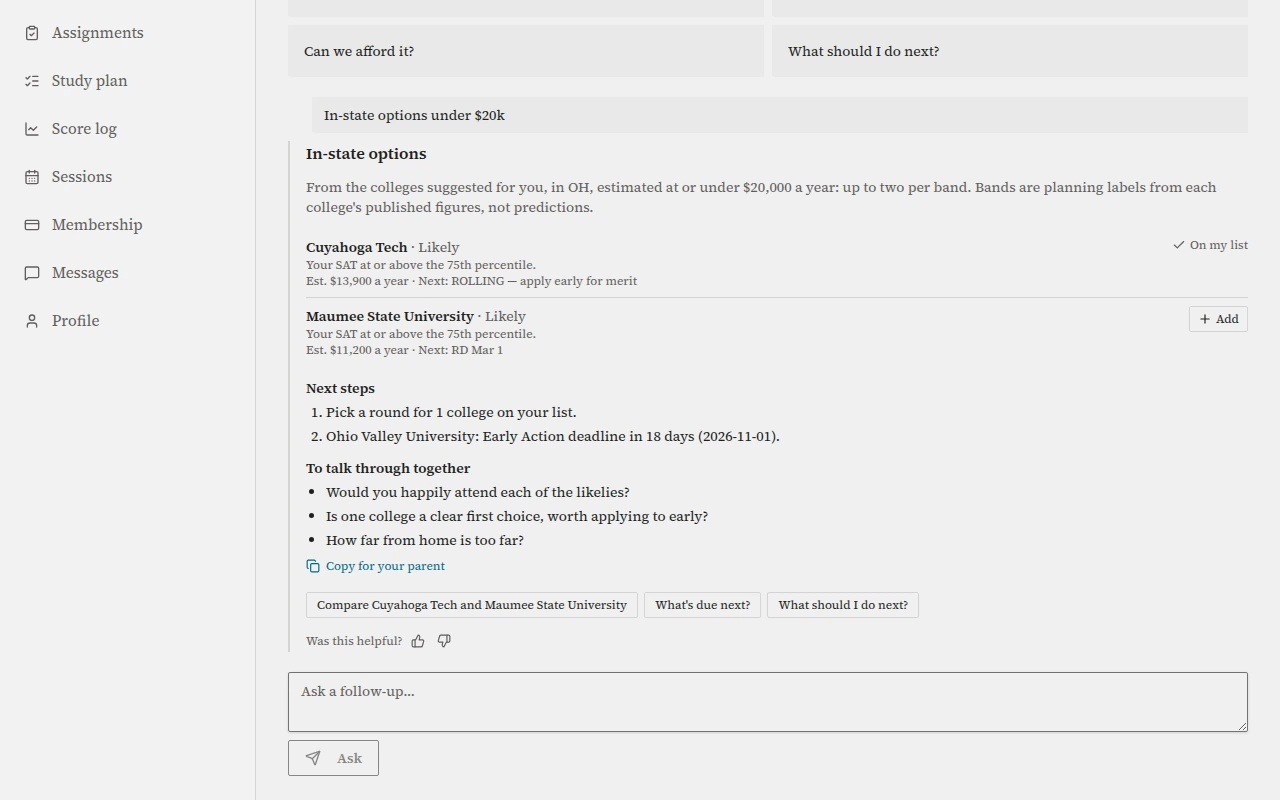
Shown on BasicAsk for in-state colleges under a yearly cost and the answer keeps to both limits at once. Two colleges, side by side
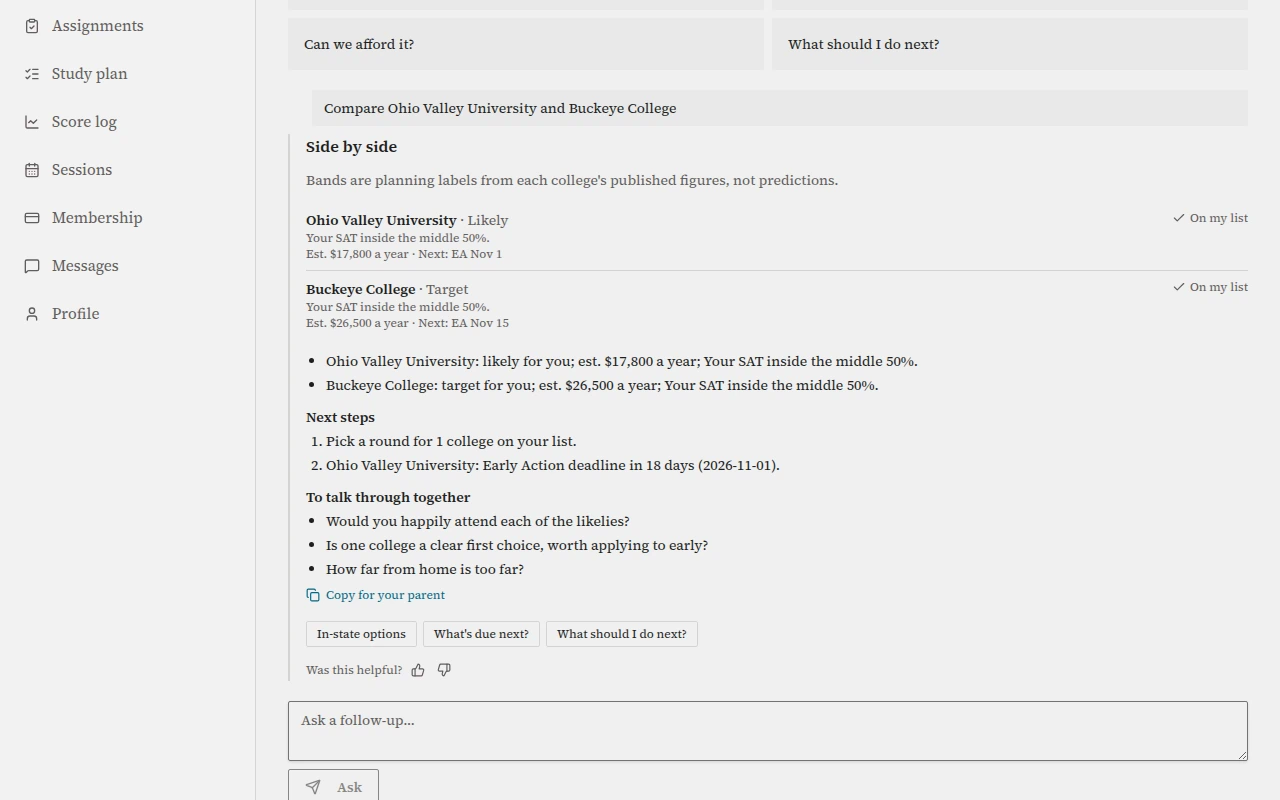
Shown on BasicCompare shows two colleges together with each one's band, estimated yearly cost and reason. What a higher score changes
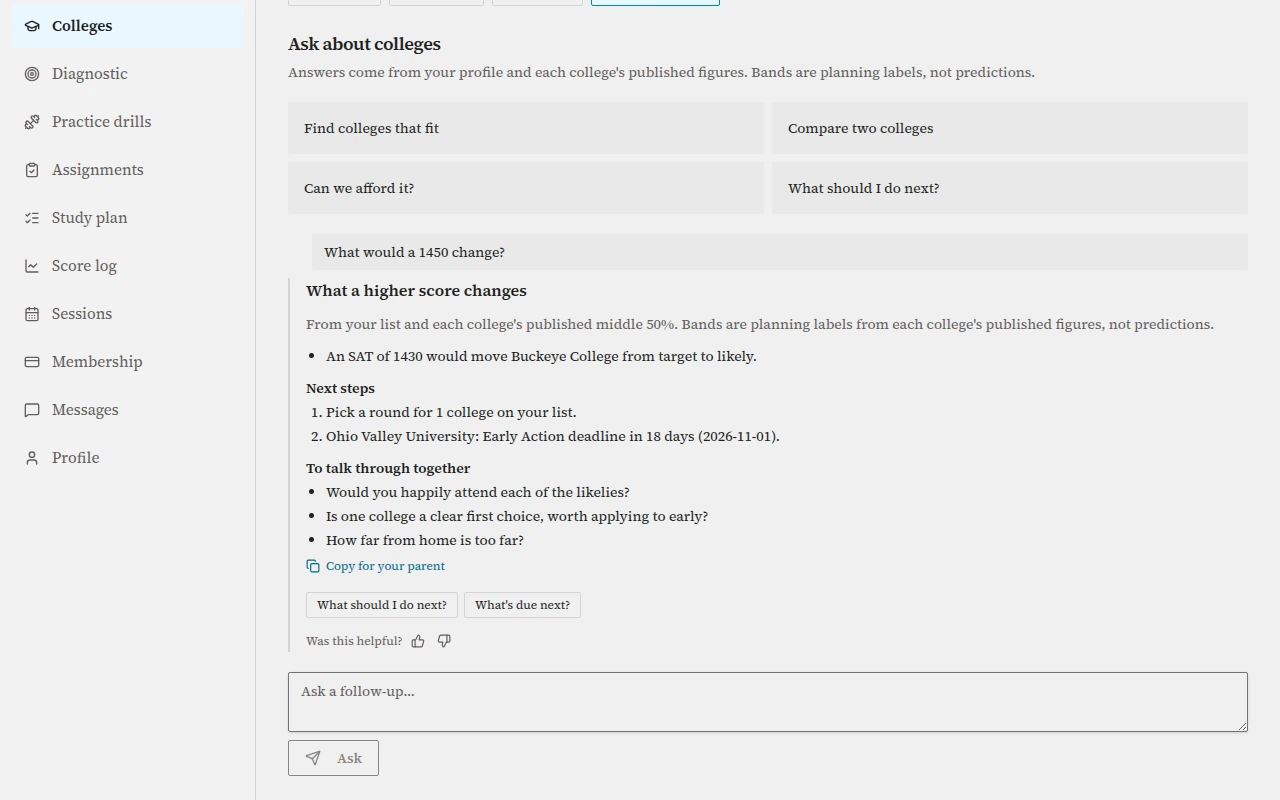
Shown on PremiumThe what-if shows which saved colleges a higher score would move to another band, and at what score. What is due next
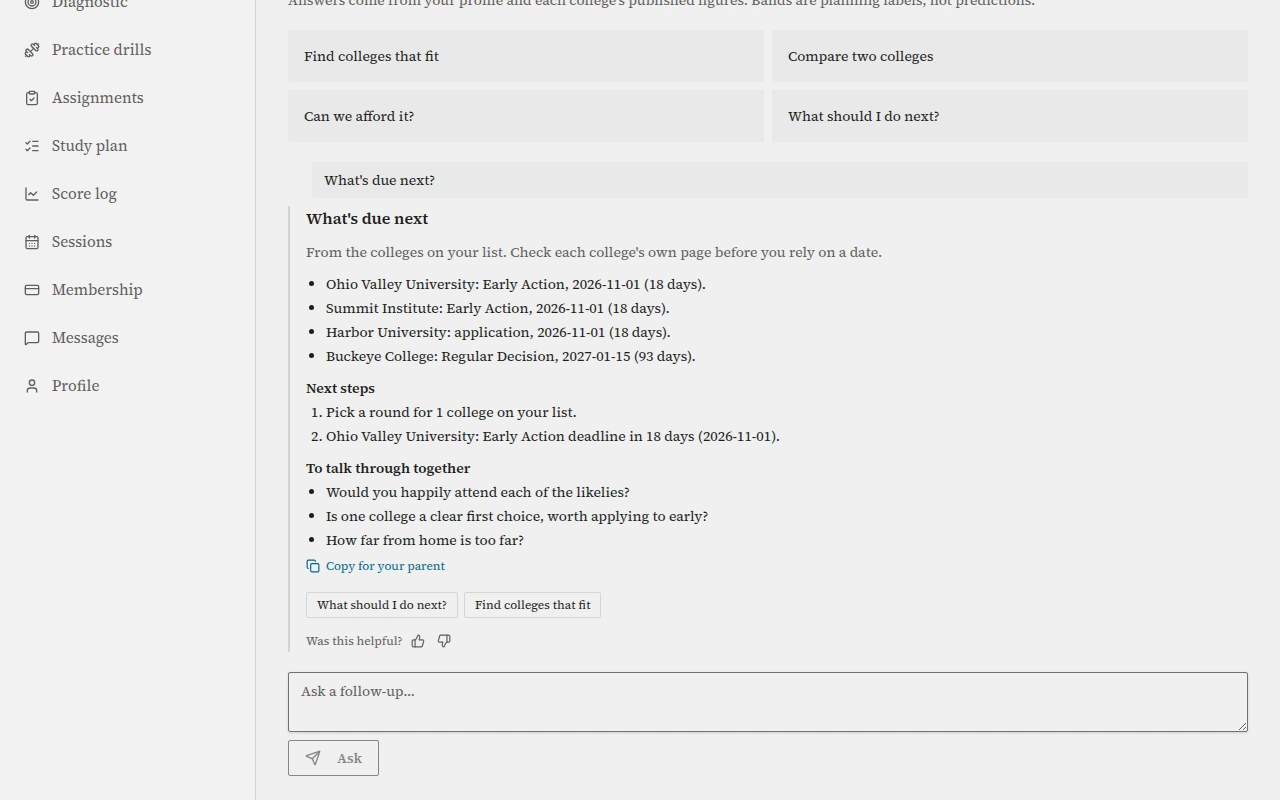
Shown on BasicDeadlines come from the colleges on your list, with the round and how many days are left. The free glance
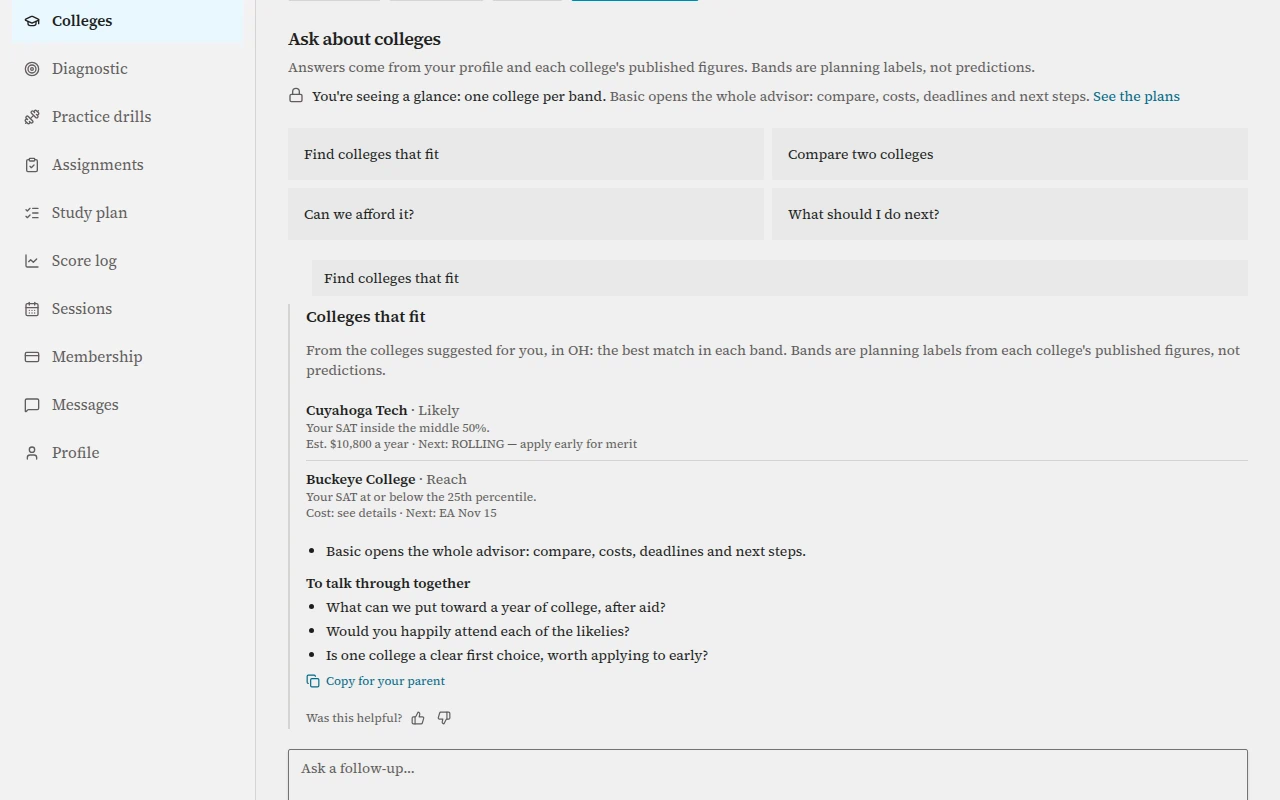
Shown on Free glanceOn the free glance you see the best match in each band and a line on what Basic adds. Open questions on Basic
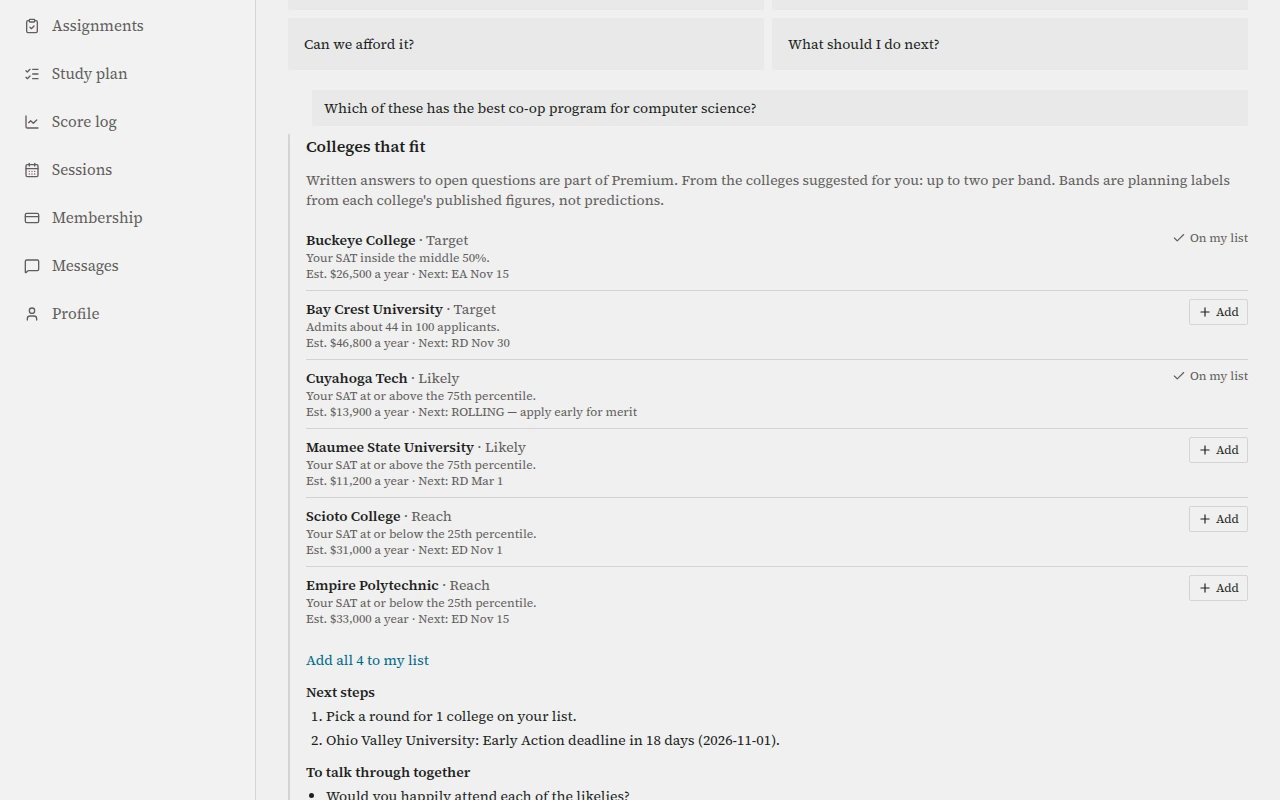
Shown on BasicOn Basic an open question gets the nearest instant answer, and written answers are part of Premium. The same advisor on a phone
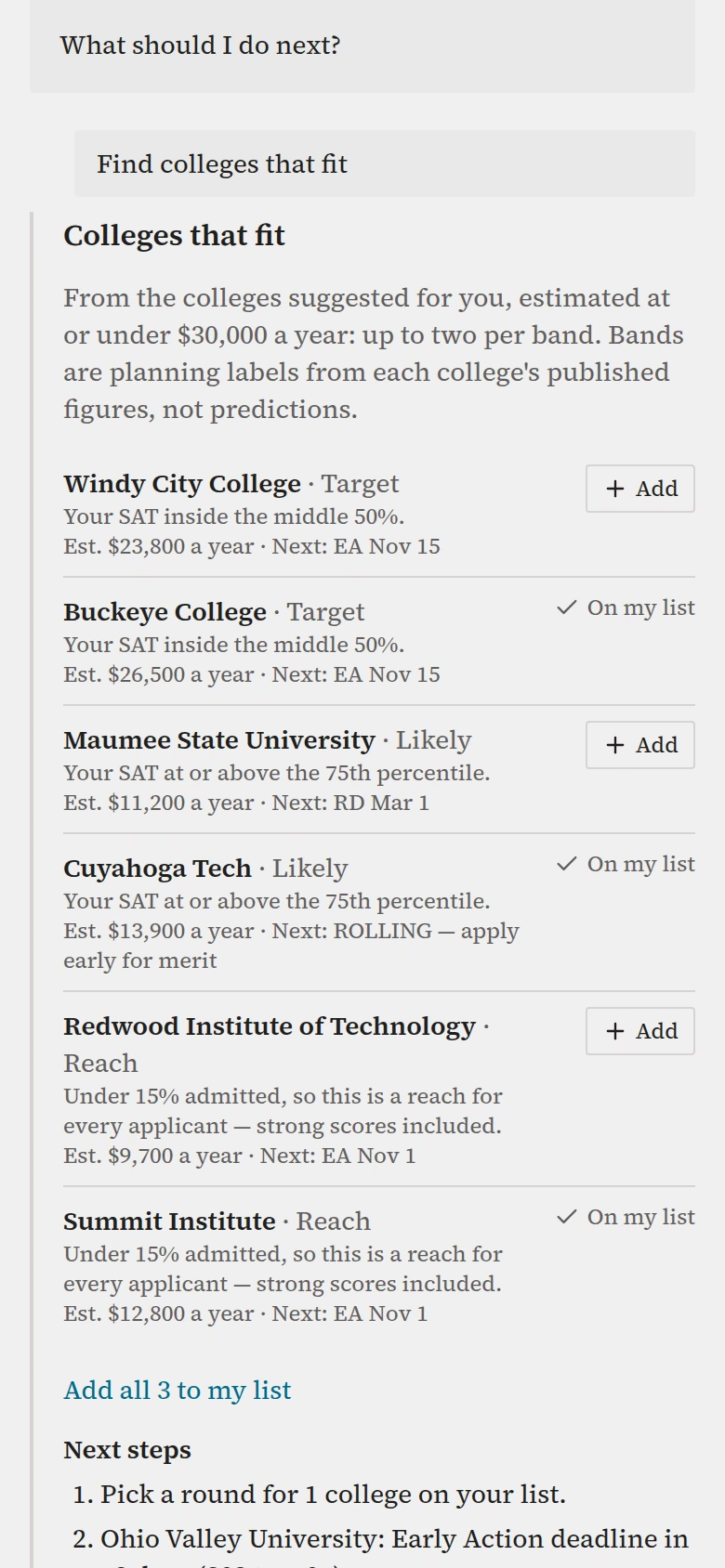
Shown on BasicEvery screen works in one column on a phone, with the same answers and controls.
The samples are fictional
Every student, college, score and figure in this recording and these screens is a fictional sample made for this guide. Your own list will look different.
Start with the goal
A college list is built from a real score. Lock a score goal and GoalGap plans the route to it; the college tool opens in your student account.